Interactive kiosks

Concierge

One kiosk by the entrance, so people stop asking where to go.

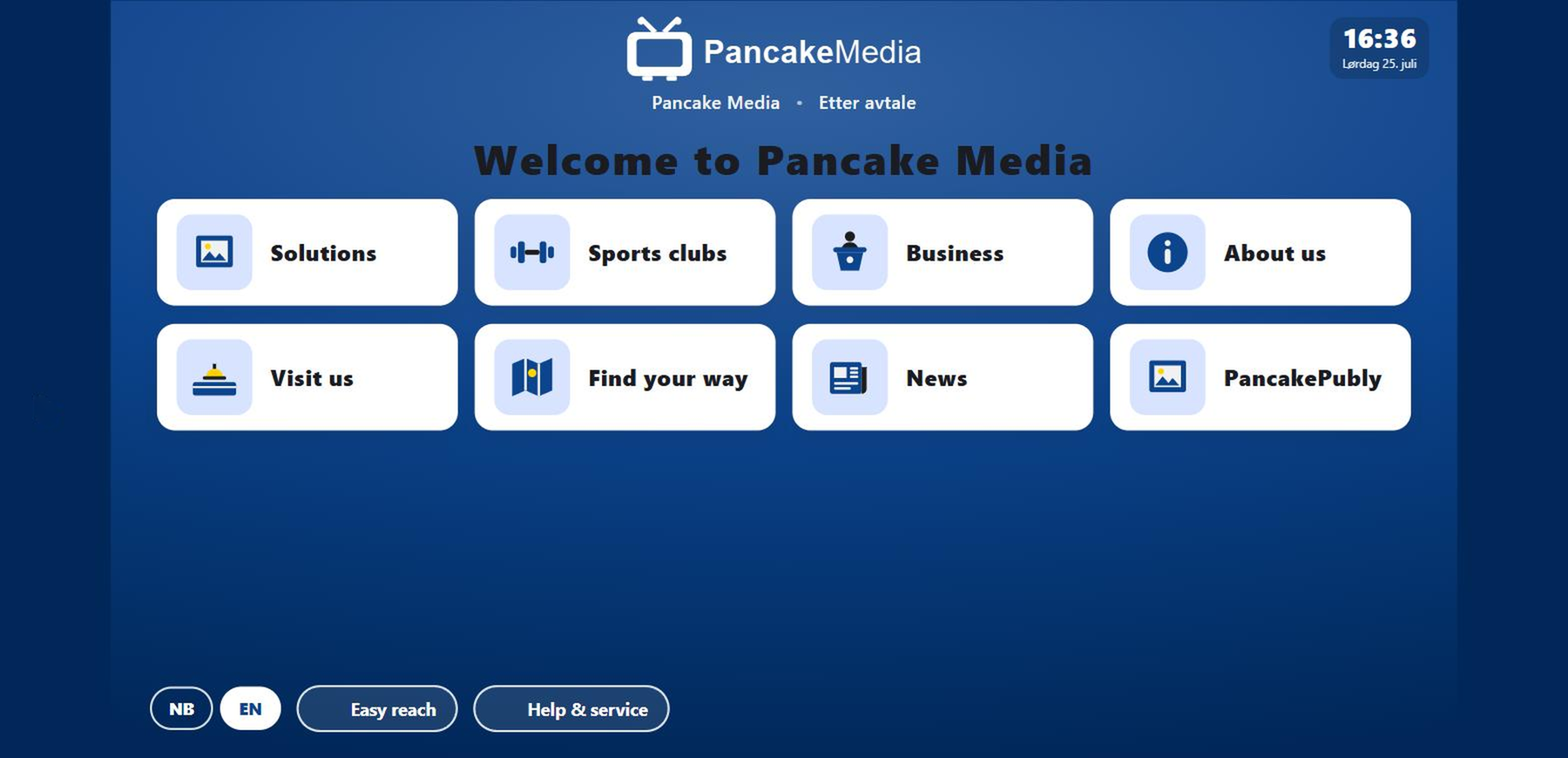
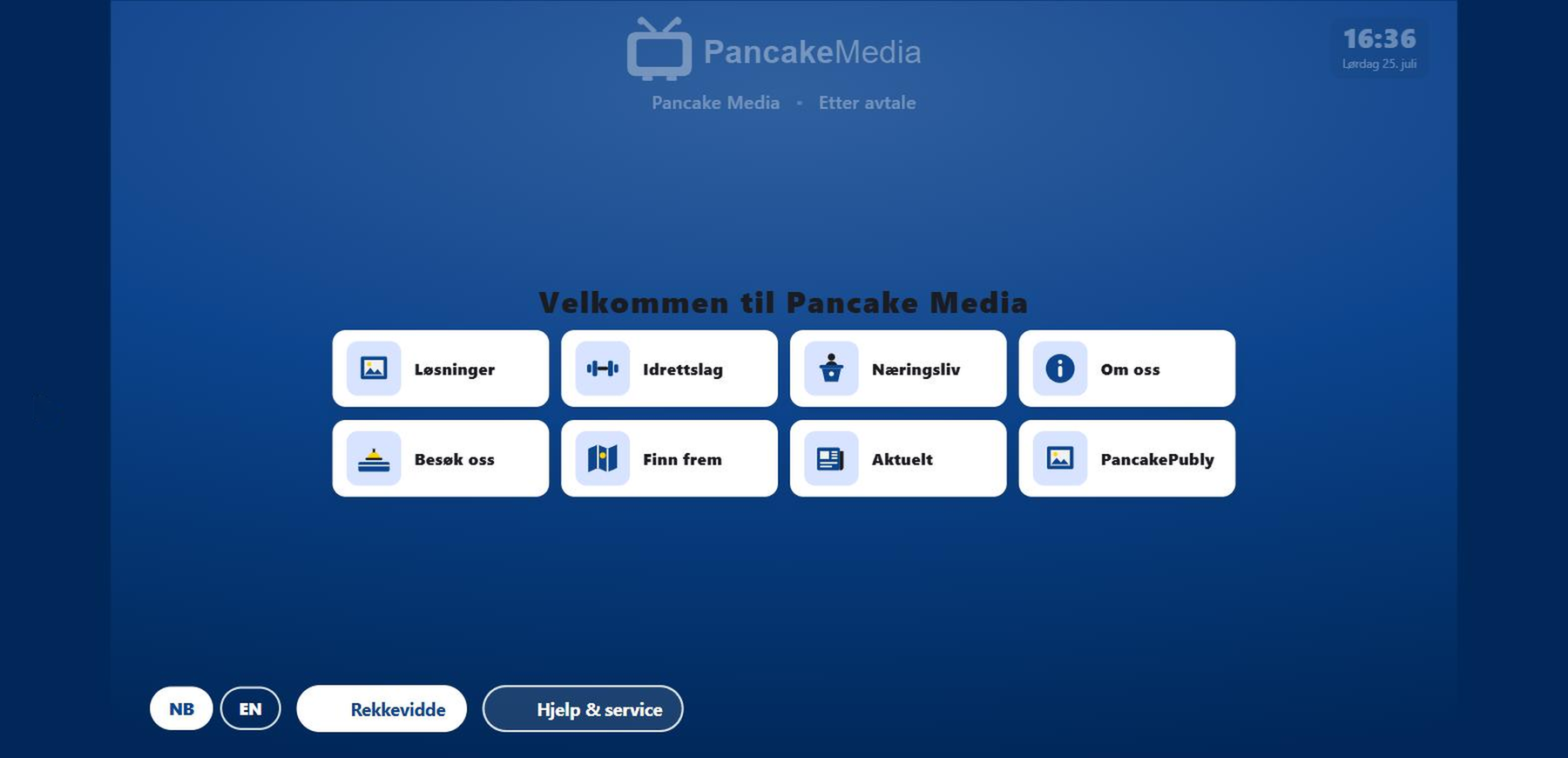
Concierge kiosk showing the Pancake Media home screen with tiles for solutions, sports clubs, business, visits and wayfinding

What Pancake Concierge does

One kiosk by the entrance that shows people where to go, so reception stops answering the same questions.

Put a Concierge screen by the entrance and people stop asking where to go. Visitors find the department themselves, see which door to head for, and see where to check in. What you put in Pancake App is what's on the screen. English and Norwegian are both there already. One button in the footer and the whole kiosk switches.

Why teams buy it: Reception stops answering the same four questions all day. People know where they're going before they reach the desk. Need to change something? You fix it in one place and the kiosks catch up on their own. The news page pulls from the feed you already publish to, so it looks after itself.
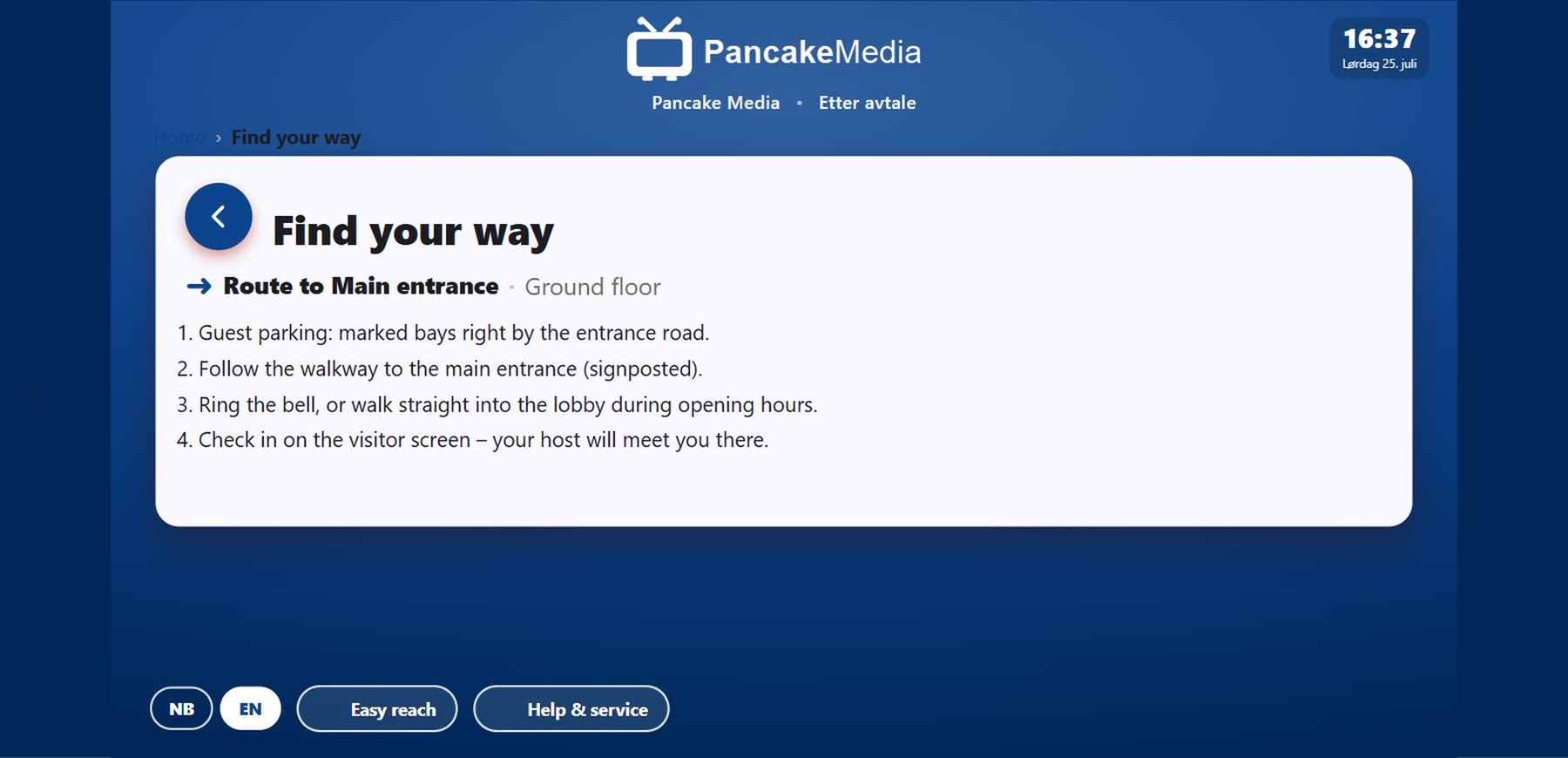
Wayfinding on the kiosk: a numbered route to the main entrance

People tap, and the kiosk shows the way

From "You are here" to the right place, step by step or drawn on your own floor plan.

A department page has a title and a row of cards, plus a short intro on top. Departments sit inside departments. Go as deep as you need. Information pages take the longer text people actually read. A wayfinding page gives numbered steps to one door on one floor.

Offers and news sit on their own cards with a location and a "Show on map" button, so people can go straight from the screen to the right place.

Easy reach: the whole screen drops into the lower half

Built for every visitor

Easy reach moves the whole interface into the lower half of the screen.

A wheelchair user reaches every part of it. So does a child. It isn't a zoom, and it doesn't hide anything. Same pages, just lower down. Buttons are big enough for a gloved hand and the type has good contrast. One tap in the footer, on every screen. Need help? Visitors can call a member of staff themselves.

Content that looks after itself

News from the feed you already use, and coupons people scan straight from the screen.

The news page reads a feed, so it stays up to date without anyone touching the kiosk. Each coupon gets its own QR code with an expiry date. The footer sits on every screen with the language switch, easy reach and help. And between visitors the kiosk drops back to the attract screen.

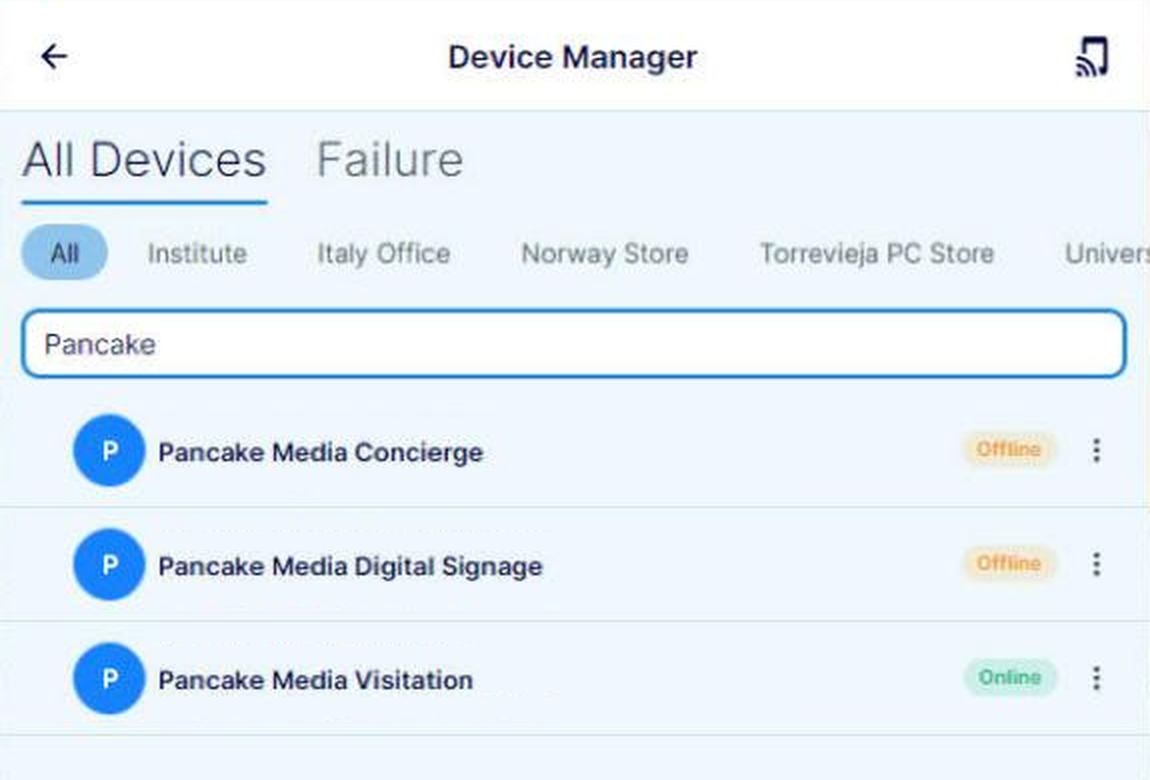
The device manager in Pancake App listing Concierge, Digital Signage and Visitation devices with their status

Managed from one place

All content lives in Pancake App. One login, however many kiosks you have.

Pages, cards, the map and coupons are edited in one place and go live on every screen at once. Devices are registered in the device manager, pick up the logo and colour from the profile, and each kiosk's status is shown in the list. More locations or entrances are added without rewriting the content, and without anyone going out to touch the screen.

Where it earns its place

  • Retail and showrooms

    People browse departments at the door, and campaigns come off the same feed as your screens.

  • Offices and headquarters

    The way to the right floor, and the last step sends them to check-in.

  • Sports halls and clubs

    What's on this week and the way to the right hall. Visiting teams get it in English too.

  • Public buildings and clinics

    Routes in plain words and a kiosk that works sitting down.

Live in a day

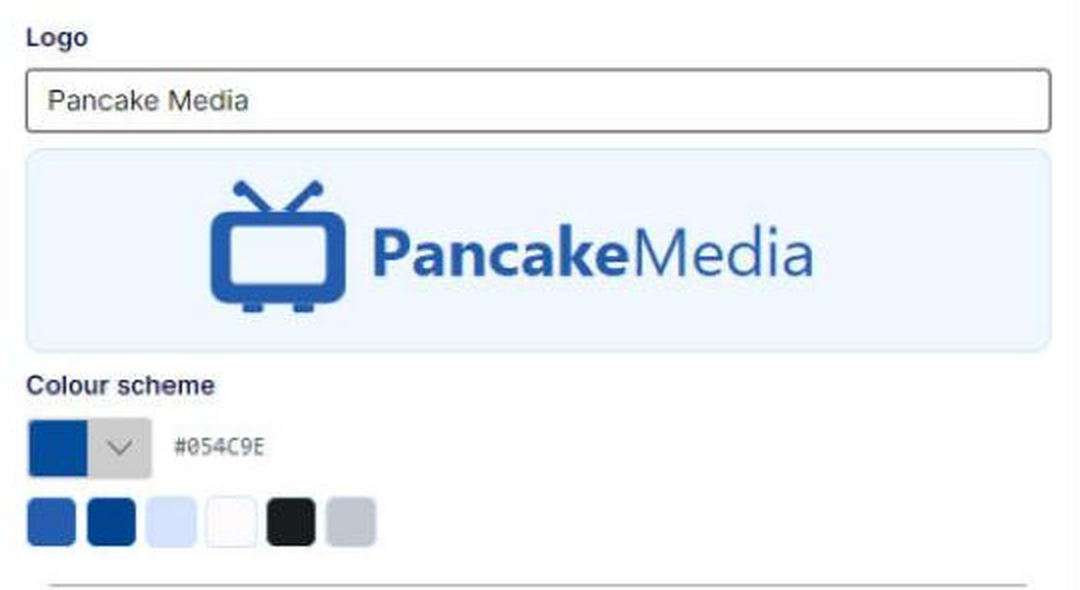
Register a panel or tablet as a Pancake Concierge kiosk. Pick your logo from the list and one house colour. The platform works out the shades, so there's no design round. Then publish the four or five pages people actually ask about. More entrances or halls later? They share the same pages and the same app.

Quick specs: Runs in a browser on ordinary panels and tablets, landscape or portrait. Norwegian and English are both there, with a switch in the footer. Easy reach is built in. Branding is a logo from the list plus one colour. News comes off a feed you share with Digital Signage. It runs on Microsoft Azure and you manage it from Pancake App.

The profile in Pancake App – a logo from the list and one colour

Part of the Pancake Media Platform

Concierge shares devices, branding and the app with the rest of the platform. It all runs off the same login.

  • Digital Signage

    Runs the passive screens elsewhere in the building and reads the same news feed.

  • Visitation

    Runs the check-in kiosk Concierge points people towards.